VNISH GLOBAL · Toolkit 1.7.3
Toolkit cannot find the firmware file
A checked S19j XP example: where 1.3.6 belongs, what stable means, and why renaming the archive is the wrong fix.

Verified VNISH firmware, installation guidance and fleet planning
Before choosing firmware, separate what the miner shows, what the pool accepts and what is actually known about a build.
Learn why local hashrate, a share and a block are different observations.
Distinguish a catalog listing from a verified route and a measured result.
Match the exact device and board, then check the file evidence and terms. An unresolved match means stop and clarify.
A checked S19j XP example: where 1.3.6 belongs, what stable means, and why renaming the archive is the wrong fix.
Four read-only API operations from the S19j XP / CV / NAND / 1.3.5 package, with illustrative examples. Open the reference.
Connect VNISH Global Operator for public catalog records, Ninja references and ROI ASIC scenario calculations. Connection guide.
Example only for Antminer S21 air-cooled / AML / NAND. It is not a route for Hydro, Immersion, XIL, CV or BB hardware.
Bytes: 21,565,527
Release 1.3.6manifest.jsonSHA256SUMS.txtChoose an exact build
Confirm build identity, pools, board/chip state, errors, hashrate, measured power, temperatures and fan/profile state. A universal observation window is not asserted.
Stop → preserve evidence → select the exact recovery route → verify → recover → confirm. Board-specific route data remains unavailable.
VNISH GLOBAL · Reviewed edition ·
Resolve the exact model, variant, cooling class, control board and install method first. Then download the matching archive from this domain and keep its filename, byte size and published SHA-256 with the change record.
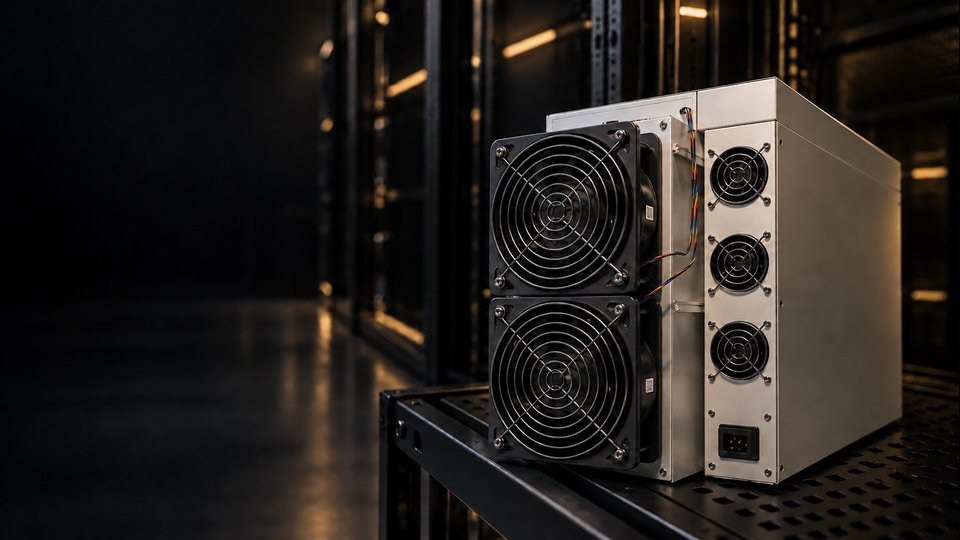
An ASIC receives work from a pool, builds candidate header data and repeatedly evaluates SHA-256. A result below the pool target is a share; only the much rarer result below the network target can become a block. Firmware coordinates the local device, while the pool, Bitcoin consensus and the electrical installation remain separate systems.
A catalog entry is discovery, not installation proof. Route-verified means a specific model, variant, control board, build and install path were checked together. Installed describes one device state; site-validated adds measured operation under stated site conditions. Skipping a state turns uncertainty into an unsafe claim.